



The ultimate email sign-offs guide
29 July 2025
0 min read
TL;DR: What to know about professional email sign-offs
Choosing the right email sign-off can make or break your message. It sets the tone, reinforces professionalism, and can improve your chances of getting a response.
This guide explains:
- What an email sign-off is and why it matters
- How to choose a professional email sign-off based on tone, context, and relationship
- When to use common closings like "Kind regards", "Yours sincerely", or "Thanks in advance"
- Examples of formal, semi-formal, and informal sign-offs (and which to avoid)
💡 Want every message to end on-brand, consistently? Use Exclaimer’s email signature solution to manage sign-offs at scale—no manual updates needed.
Find out moreThe way your email ends is crucial. While your subject line and opening hold a lot of weight, the closing line of an email, or email sign-offs, shouldn’t be overlooked.
Email sign-offs can set the overall tone of your email, express gratitude to the reader, boost or impair your response rate, establish a working relationship, and leave a long-lasting impression.
Email sign-offs help shape how your message is received. They can:
Reinforce the intent of your message
Establish credibility
Build rapport with the recipient
Improve your response rate
Avoid misunderstandings
In other words, they can make or break your emails.
And as emails are one of the primary methods of communication used both inside and outside the workplace, using them correctly is essential.
In this guide, we’ll explore some of the most popular email sign-offs and how they’re used, settle the differences between the sign-offs ‘Yours sincerely’ and ‘Yours faithfully’, and throw in some extra tips and tricks for good measure.
What is an email sign-off?
An email sign-off is the phrase you use to close your message before your name. It’s often the last thing your recipient reads, so getting it right matters. A good email sign-off should reflect your tone, match the context, and support your relationship with the reader.
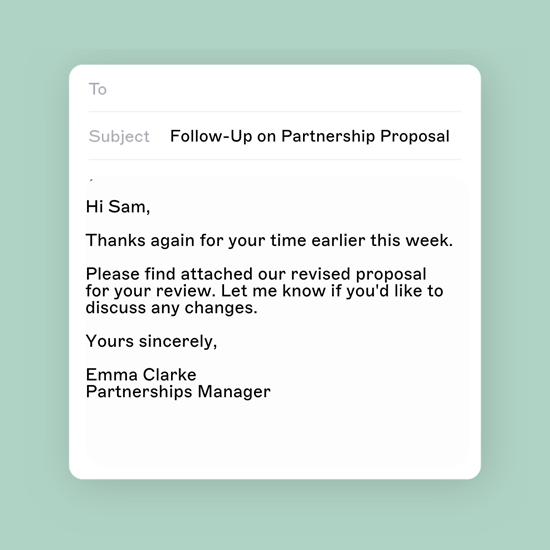
How to sign off an email the right way
Before we look at any examples, here are some rules you should bear in mind when choosing your sign-off:
Keeps things flexible
Don’t be afraid to mix things up. Sticking with ‘Kind regards’ every time, no matter the context, can make your emails lackluster and less impressionable.
Consider the tone and intent of your message
Sending an email with an inappropriate sign-off can easily lead to trouble. While the closing phrase ‘Have a great day’ seems innocent enough, it can easily be viewed as sarcastic if misplaced. Always consider how it will land with the reader.
Include your contact details
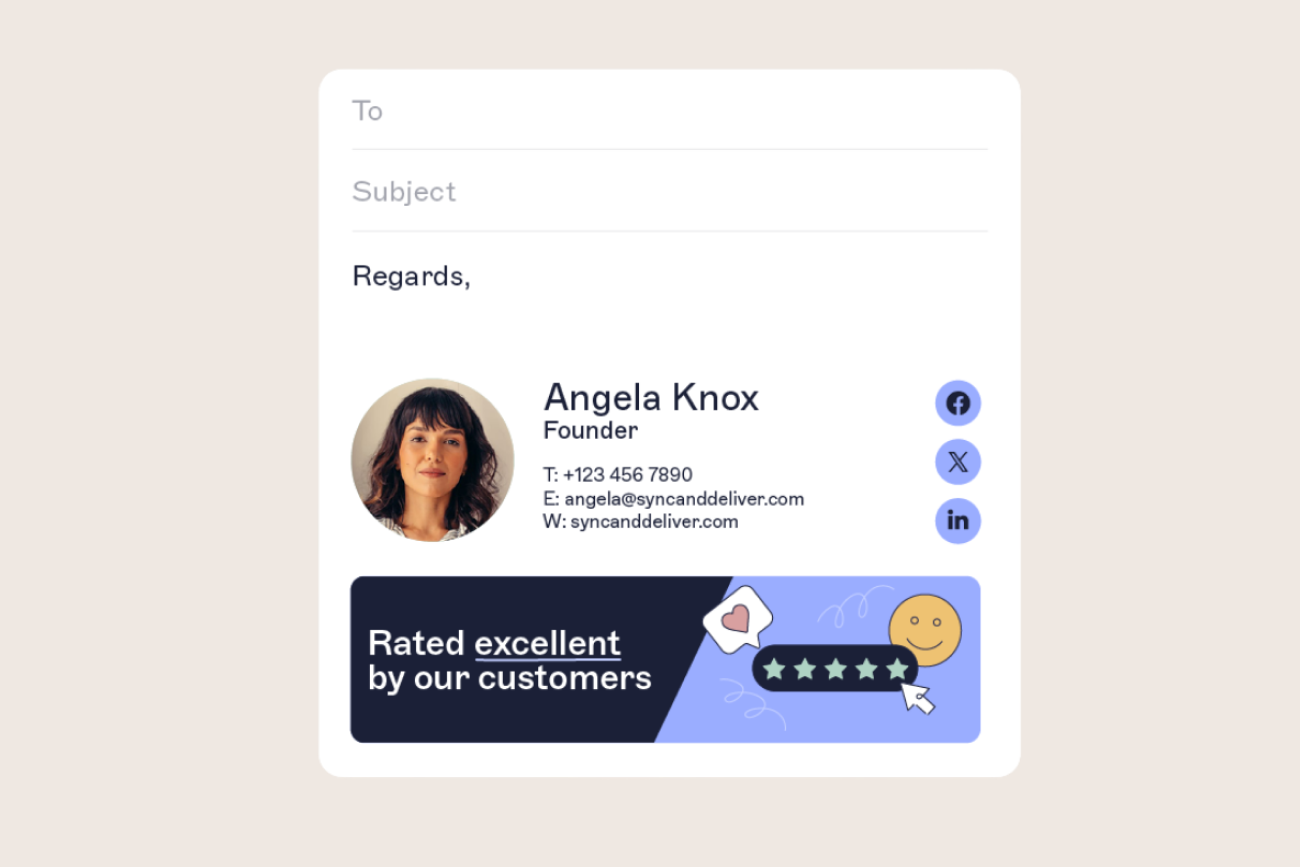
Forgetting your name is guaranteed to leave a bad impression. In your first email correspondence, ensure your chosen sign-off is followed by your contact information (full name, job title, phone number, and email address), and any other essential business information.
Setting up automatic email signatures is an easy remedy for this.
Consider the audience
Understanding your relationship with the recipient is essential for choosing the most appropriate email sign-off. Consider carefully – is your chosen email ending suitable for your close friend, family member, employee, colleague, customer, or boss?
Use the correct grammar
Sign-offs should start with a capital letter. In the case of sign-offs composed of two or more words like ‘Kind regards’ or ‘Hope this helps’, only the first word should be capitalized. A comma should be placed directly after the sign-off.
Use proper formatting
Start with a capital letter: e.g. “Kind regards,” not “kind regards”
Only capitalize the first word in multi-word sign-offs
Add a comma after your sign-off
Clearing up common sign-off confusion
Confused about whether to use "Kind regards" or "Yours sincerely"? You’re not alone. Here’s how to get it right.
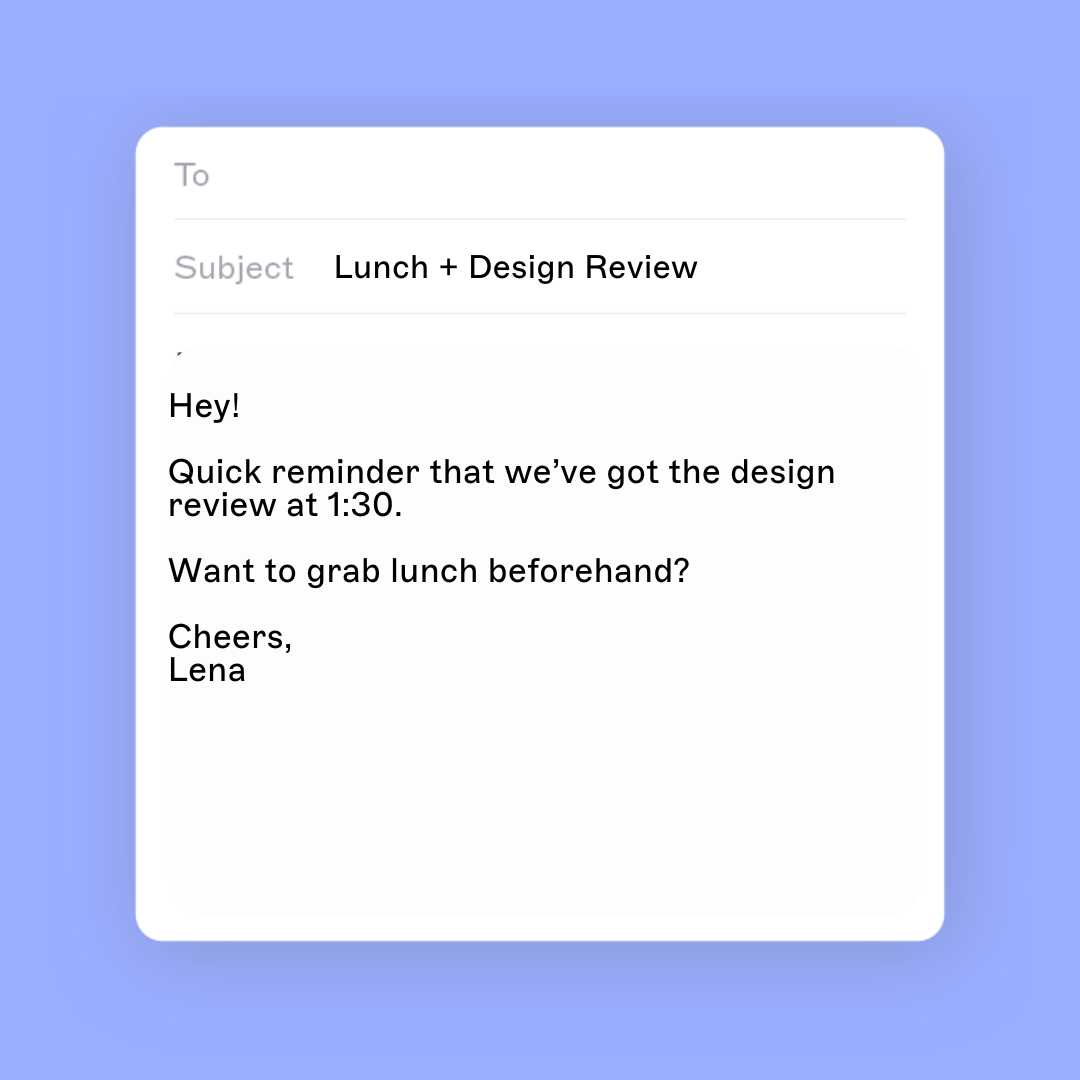
“Yours sincerely” or “Yours faithfully”?
The easiest way to clarify the distinction between these two sign-offs is as follows:
Use “Yours sincerely” if you know the recipient by name (“Dear Jane”).
Use “Yours faithfully” if you don’t know their name (“Dear Sir/Madam”).
“Yours sincerely” or “Sincerely yours”?
These email sign-offs are interchangeable in terms of meaning. “Yours sincerely” is more common in the UK, while “Sincerely yours” is the U.S. equivalent.
“Your sincerely” or “Yours sincerely”?
Always use “Yours sincerely.” The other is incorrect.
“Best regards” or “Kind regards”?
Both are appropriate for professional emails. “Kind regards” is slightly more formal and is ideal for first-time interactions. “Best regards” is well suited for ongoing correspondence.
“Kind regards” or “Yours sincerely”?
Use “Yours sincerely” for formal letters or job applications. For most workplace emails, “Kind regards” or “Best regards” will feel more natural and less stiff.
🚫 Don’t use these email sign-offs (unless you're sure)
Some sign-offs can feel too casual, outdated, or just plain confusing in a professional setting. Unless you know your audience well, it’s best to avoid:
- ❌ Sent from my iPhone – Looks careless or unfinished
- ❌ TTYL – Too informal; belongs in chat, not business email
- ❌ Rgds – Feels lazy or cryptic; write it out
- ❌ Respectfully yours – Dated and overly formal unless legally required
- ❌ Later – Too casual for most workplace emails
- ❌ Take it easy – Can sound flippant or dismissive
When in doubt, stick to professional email sign-offs like Best regards, Kind regards, or Many thanks.
Email sign-off examples
It’s time to launch into some examples. We’ve grouped popular email sign-offs into these categories:
- General formal sign-offs
- Formal email sign-offs (contextual)
- Semi-formal sign-offs
- Informal email sign-offs
- Informal sign-offs (contextual)
For example, while ‘Regards’ is a universal sign-off, ‘Thanks in advance’ only makes sense if you have asked for something in your email.
As stated, context is a huge factor when choosing email sign-offs, so the following categories aren’t set in stone. But they should make the selection process a whole lot easier.
Explore these email signature examples to find pre-built designs for different role and industries.
Formal email sign-offs
The following sign-offs are generally recognized as formal and are classed as professional email closings. They can be used in nearly any email scenario and shouldn’t cause any problems.
This being said, some people argue that ‘Regards’ and ‘Best’ are abrupt and come off as insensitive, while others vouch strongly for these.
Best
Best regards
Best wishes
Kind regards
Regards
Warm regards (Warmly, Warm wishes)
Yours faithfully (Faithfully, Faithfully yours)
Yours respectfully (Respectfully, Respectfully yours)
Yours sincerely (Sincerely, Sincerely yours)
Yours truly (Truly yours)
Formal email sign-offs (contextual)
Sign-offs that show gratitude are widely believed to get the highest response rate in emails.
Many thanks (All my thanks)
Speak soon
Talk soon
Thank you
Thanks in advance
That’s all for now
With appreciation
With gratitude
Semi-formal email sign-offs
Appropriate for familiar colleagues or internal updates.
As ever
Have a great day (Have a great week, Have a great weekend)
Hope this helps
Thanks
Until next time
Informal email sign-offs
Informal email endings should be used with care. Consider carefully whether they are appropriate for your situation.
This is especially true for text-like acronyms, arguably the riskiest sign-offs to use in a work environment.
For example, if you have a close relationship with a colleague, you may be inclined to use ‘ttyl’ to sign off a work email (an acronym for ‘talk to you later’).
Bye
Cheers
Ciao
Later
Peace (Peace out)
rgds
See ya (See you)
Take it easy
Informal email sign-offs (contextual)
These are highly casual—only use if your audience expects it.
Stay tuned
tafn
thx
ttyl
Learn how to stay compliant with our email disclaimers guide, packed with tips and examples for regulated industries.
Summary: Make your email sign-off count
The way you sign off an email says more than you think. It sets the tone, shapes how you’re perceived, and can even influence whether you get a reply. And yes, there’s a time and place for ‘All the best’ or ‘Have a good one.’
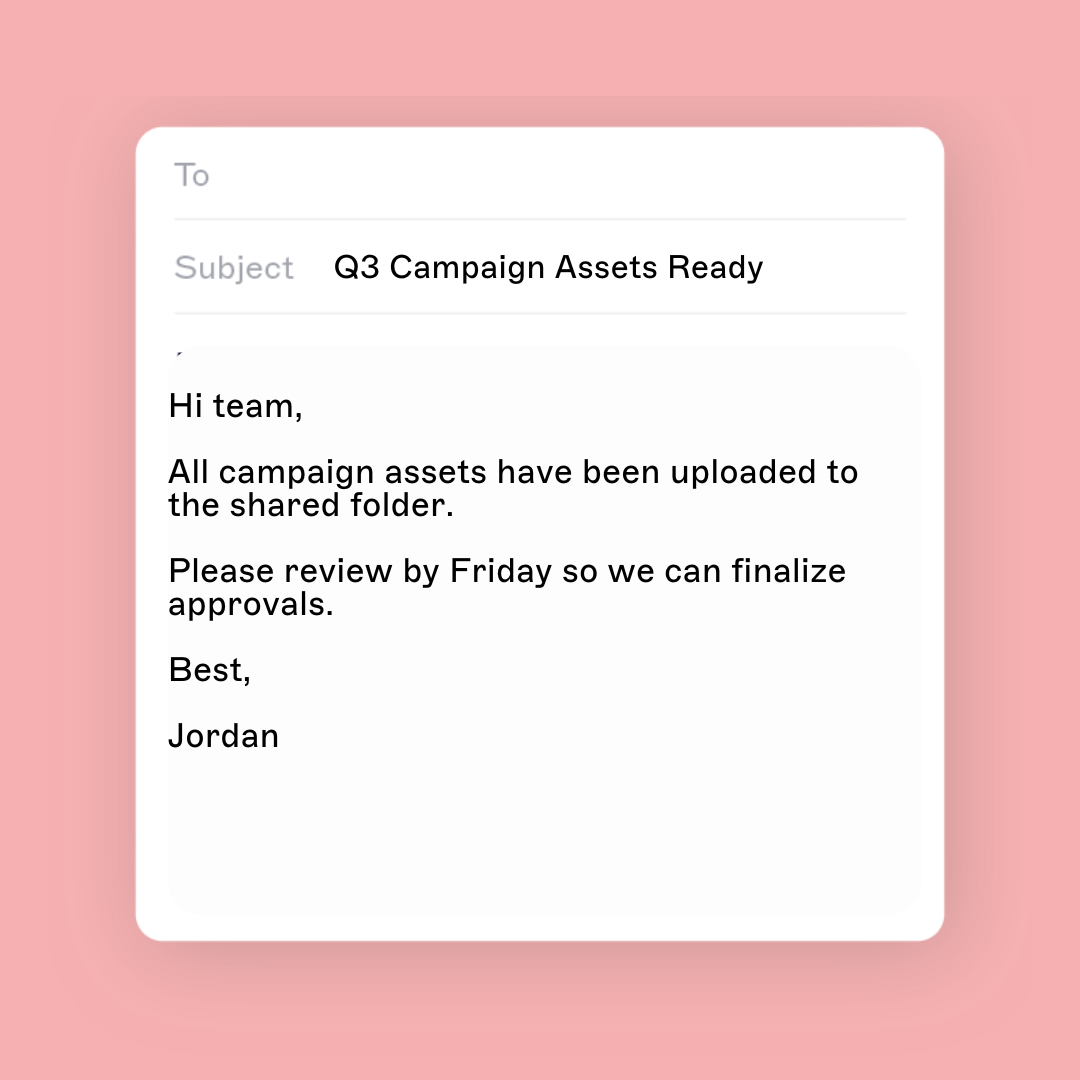
But a sign-off alone isn’t enough. It needs to be part of a professional email signature that includes:
Your full name and title
Your company branding (logo, fonts, colors)
Contact information (email, phone, website)
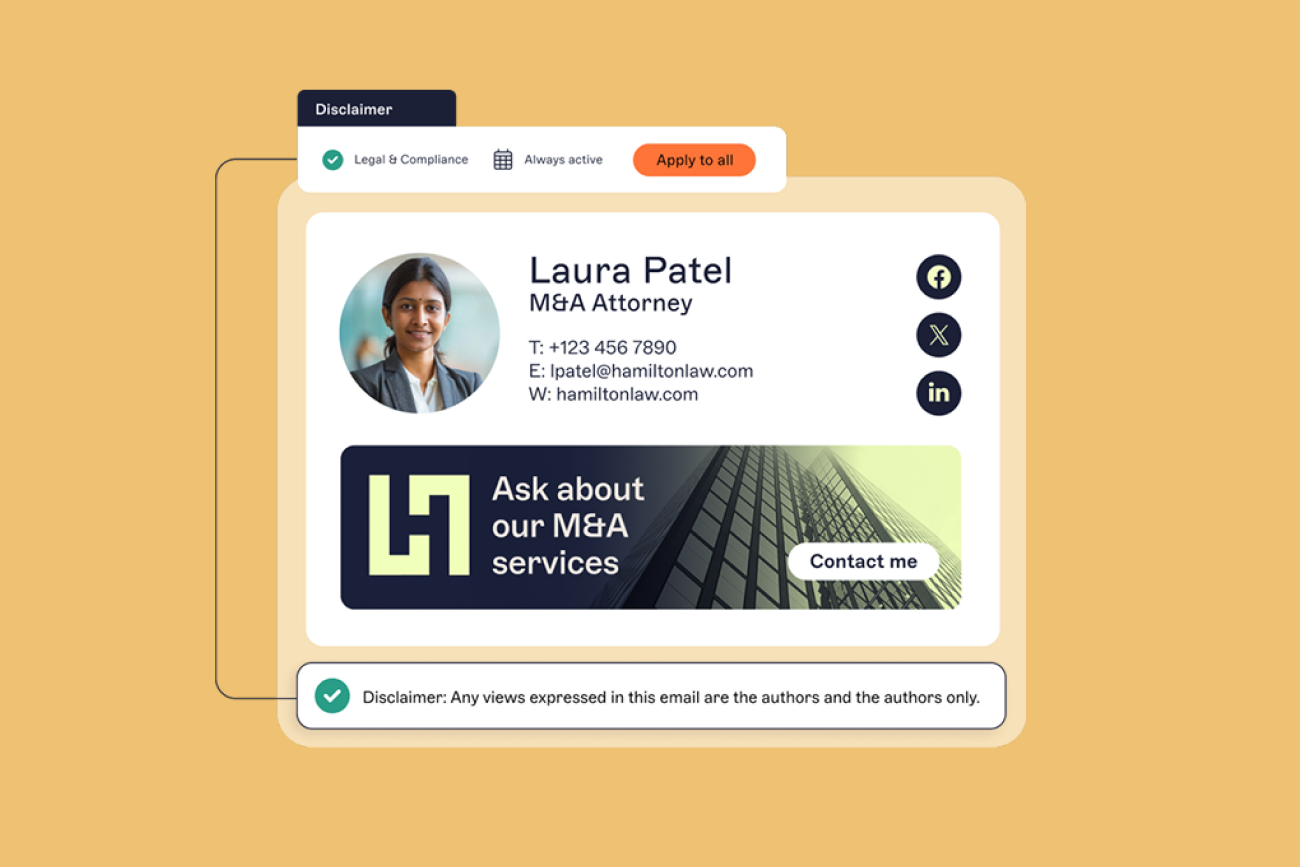
Any required legal disclaimers
Optional elements like banners, CTAs, and social links
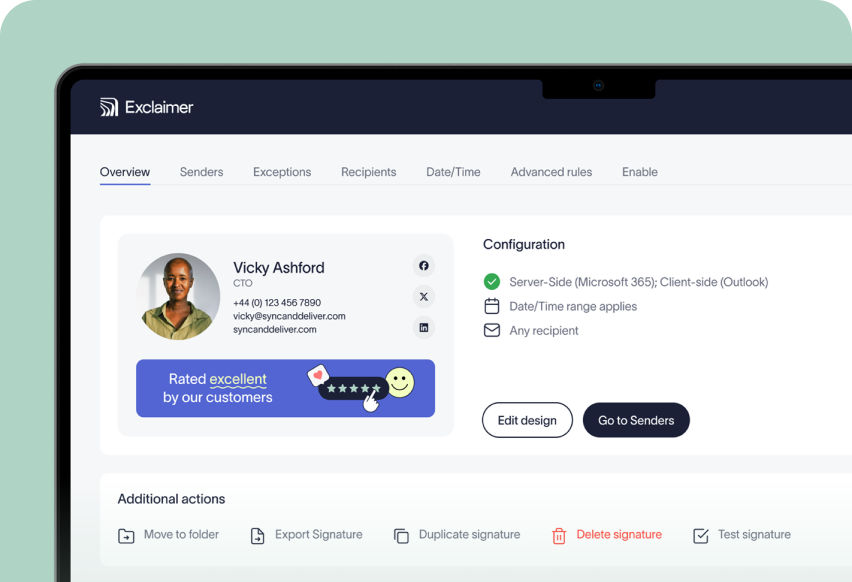
When email signatures are left to individuals, formatting drifts, information goes out of date, and branding becomes inconsistent. That’s where centralized email signature management comes in.
At Exclaimer, we help 70,000+ organizations ensure every email ends with a polished, compliant, and on-brand signature—no matter who sends it or from what device.
Want to see how it works? Explore our email signature solution